March 28, 2022
Activating/ changing workflows
If the user performs a workflow that contains calibration it can be activated. There are two ways to do that
1. From the active CC Display Application.
All workflow marked with green color which can be activated.
2. From the helper application
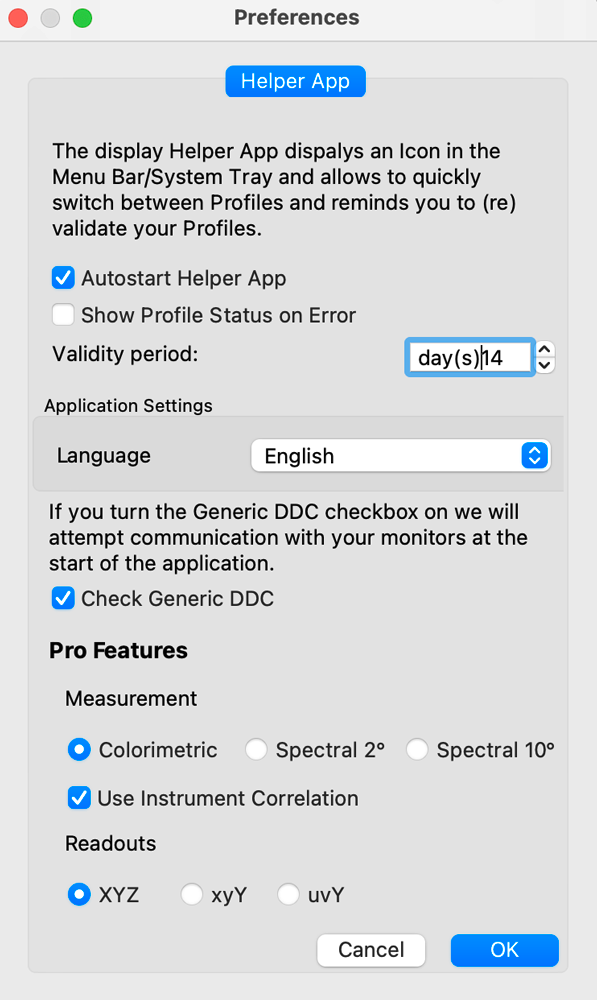
When the CC Display is closed the user may use the helper application. The helper application has to be activated in CC Display Preferences ( Autostart Helper App)
Contact ChromaChecker Support
Additional information and Support Form is available for logged users.
