January 5, 2023
CC-400 RGB data set
CC-392 RGB

A horizontal version is designed to reduce the number of rows with a maximal number of patches per row supported by most of the instruments on the market.
Go to
and select the CC-392 template for your Instrument or if not exist
go to
import CC-392 RGB, then create
that bind this control strip with your Instrument.
Once the Scanning Template is on your account - refresh CC Capture to have it on the list.
CC-406 RGB (iSis)
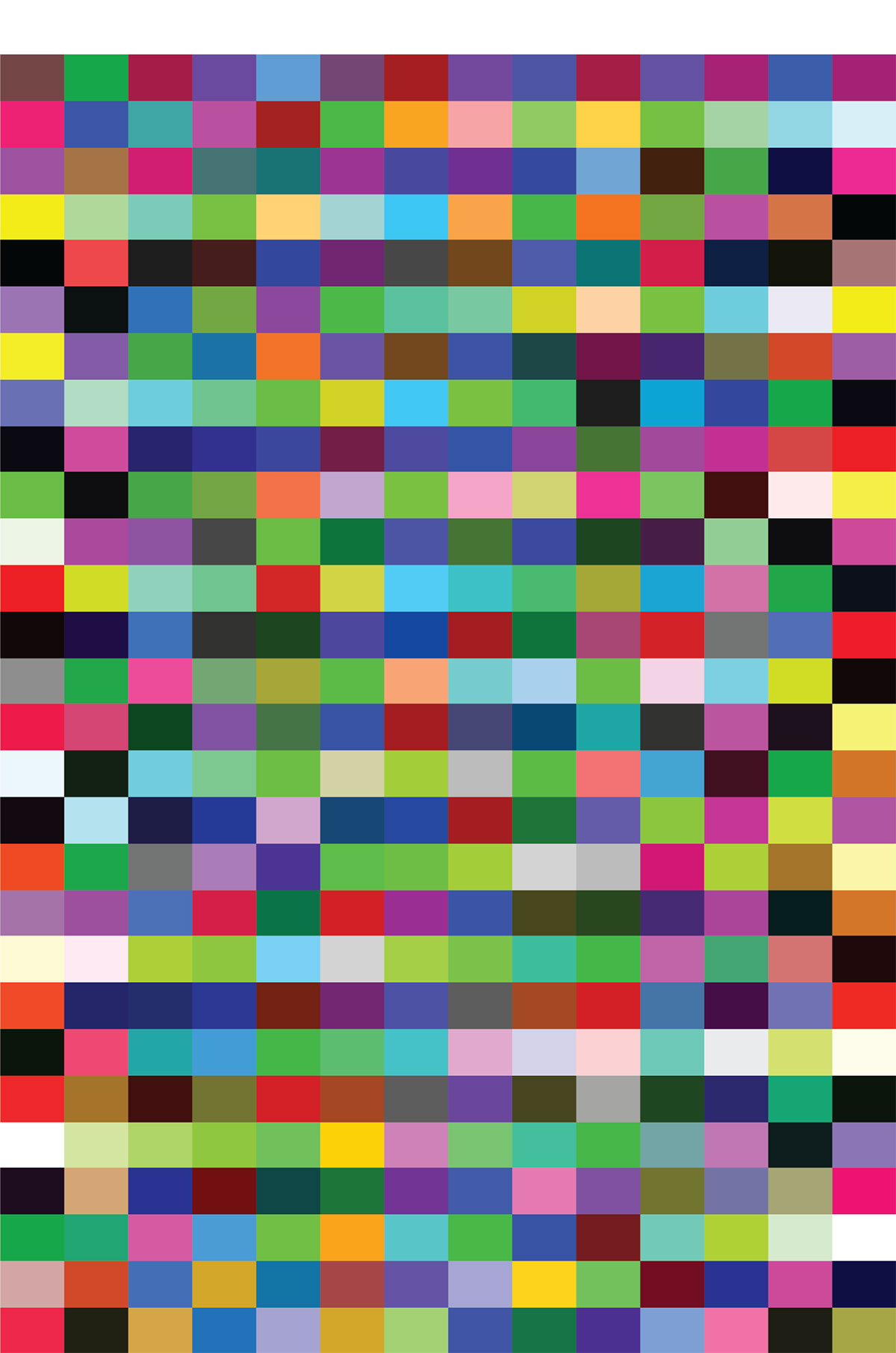
This is a vertical layout with an additional "white line" on the top that is designed for iSis compatibility.
Go to:
and import CC-406-RGB to your account. Refresh CC Capture - the new template should be accessible.
Contact ChromaChecker Support
Additional information and Support Form is available for logged users.
