Connect Capture
1. Download CC Capture, connect supported Instrument
You may select Mac or Windows version. If you find any problem, please check the troubleshooting guidelines
2. Launch the CC Capture application
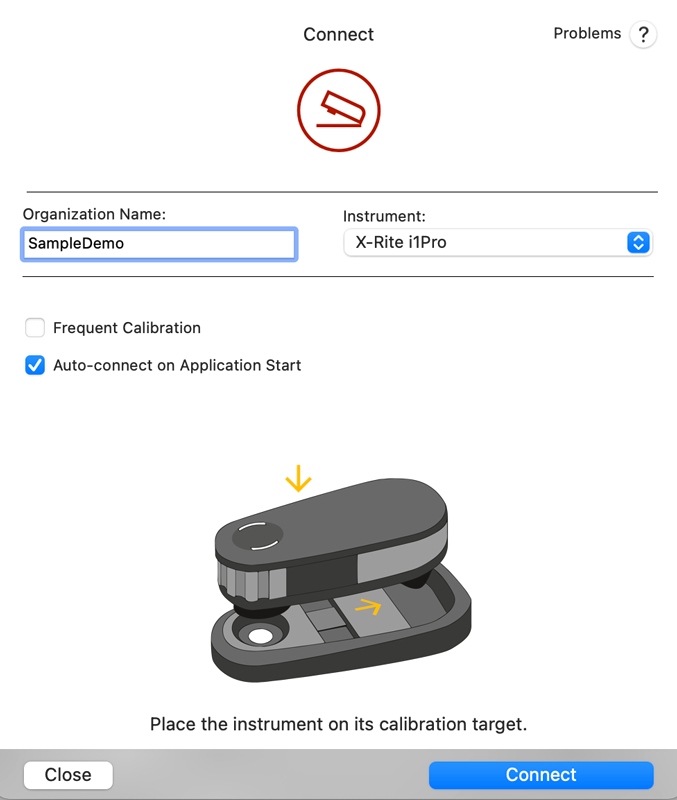
At this stage, enter the Organization Name (name used when you registered for your ChromaChecker account if you do not have a ChromaChecker Account, you can use: SampleDemo, then select the instrument type (in the following example, it is x-Rite i1Pro)
3. Login with the operator's credentials
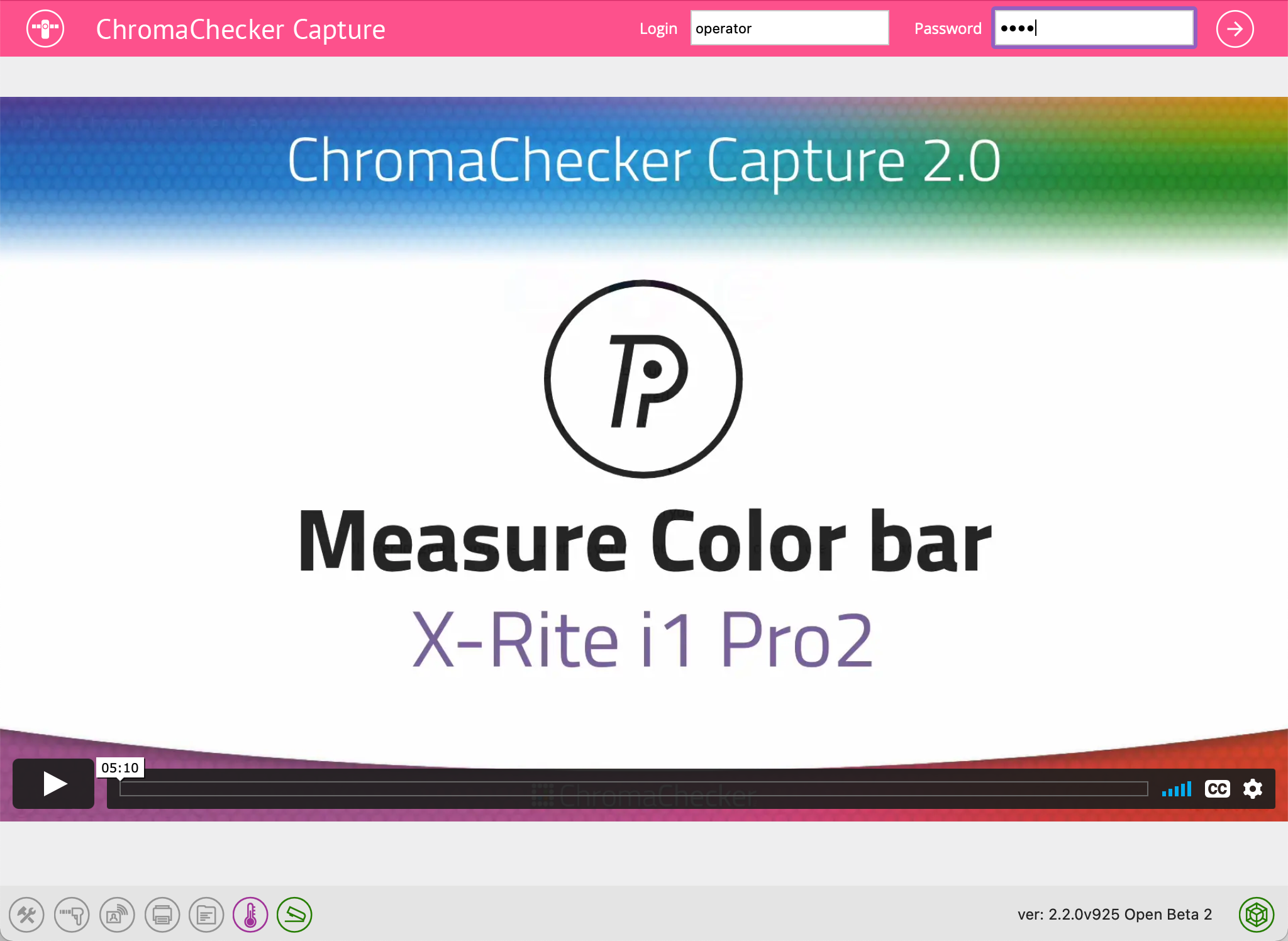
The application should go to Operator's login page where credentials have to be entered (if you have registered your own ChromaChecker account, use the operator credentials that you defined within Accountability Inspector, if not, then use SampleDemo credentials below).
Note: the video will match the instrument selected to provide a short overview of tasks to come after logging in.
Related Topics
Contact ChromaChecker Support
Additional information and Support Form is available for logged users.
