November 16, 2021
Manual Sample Input to Color Library/Palette
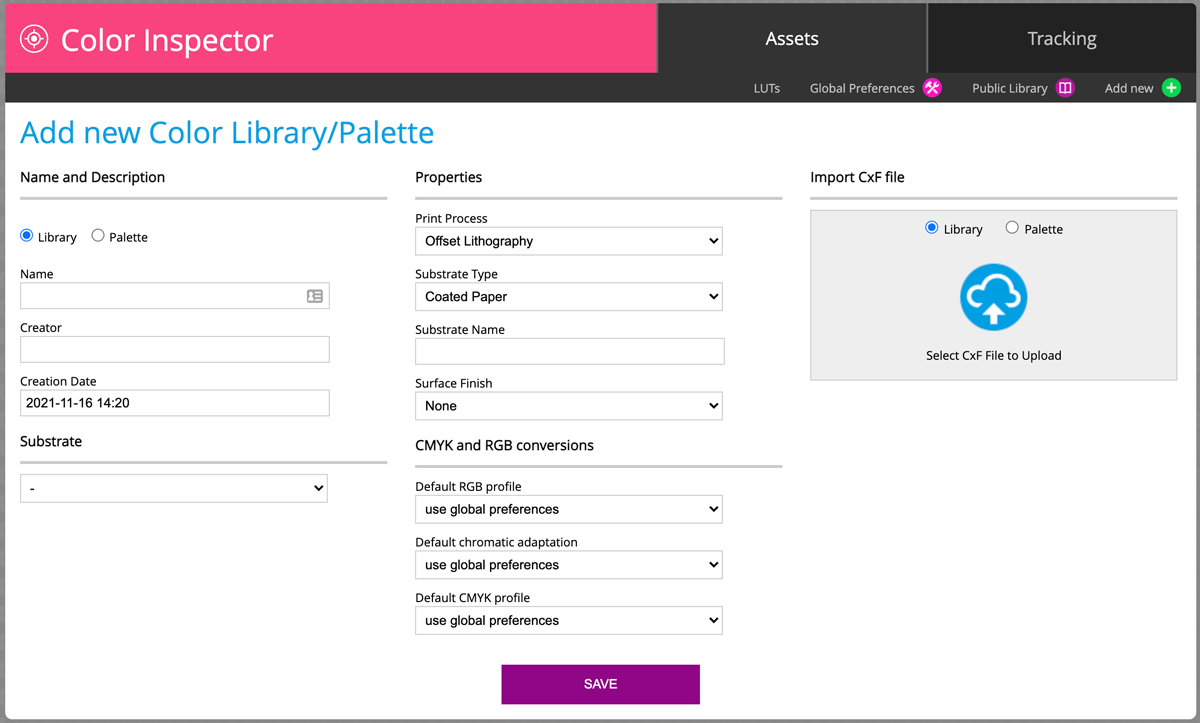
1. Create a new palette /Library or select an existing one
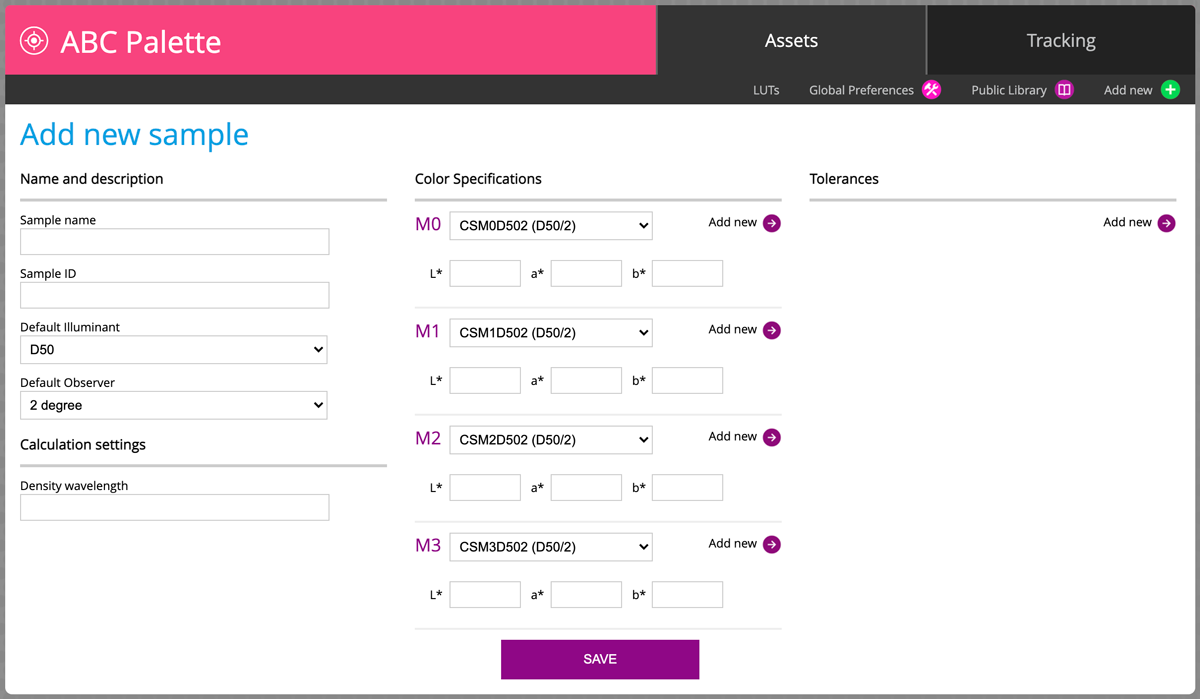
2. Add new coordinates corresponding to color specification (M0, M1, M2, M3 ...) and name the sample
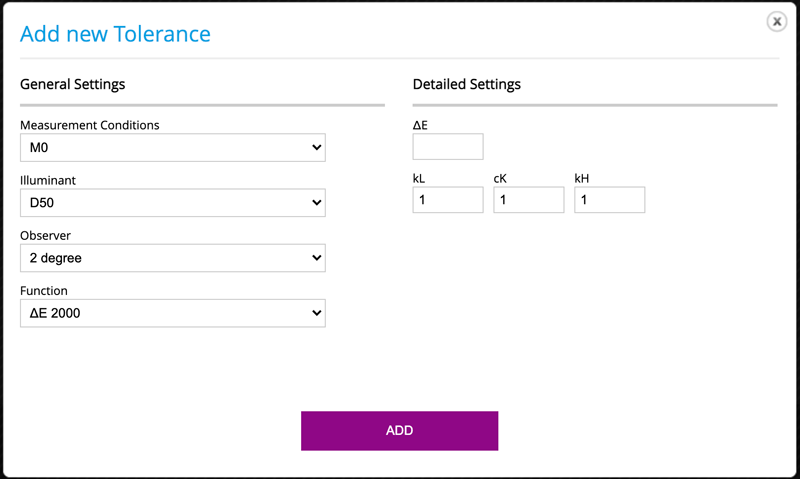
3. Optionally you may define Tolerances - note that you may select more than one condition/formula
Example: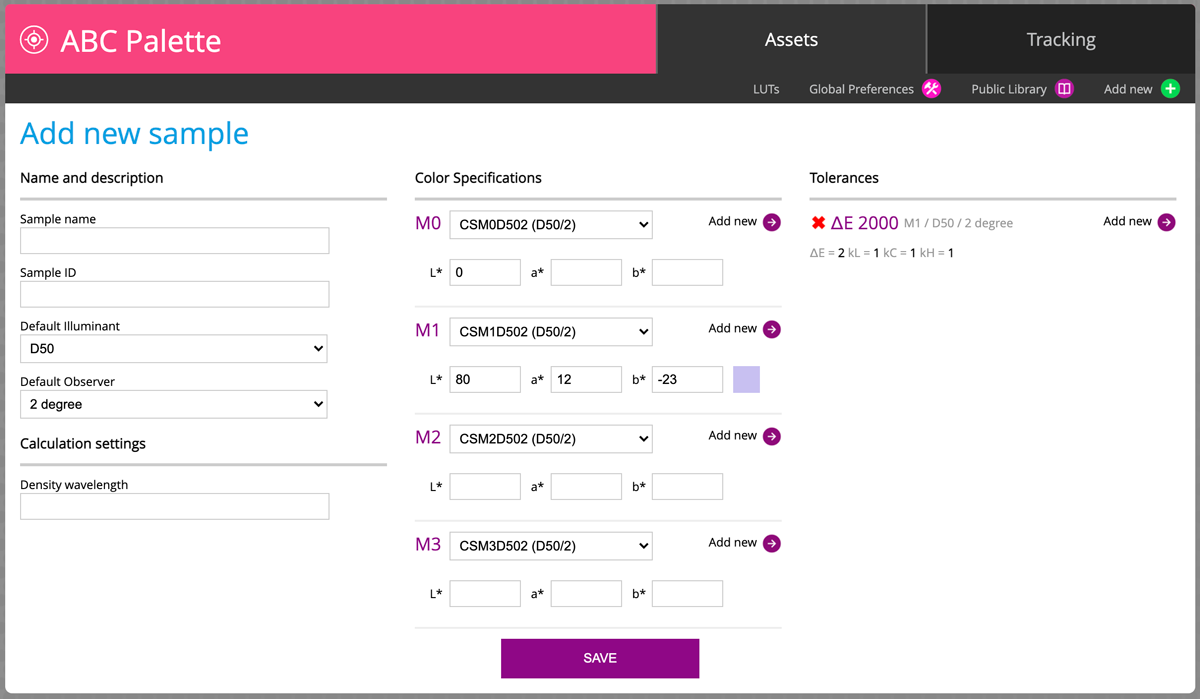
Finally, our violet sample in Library has a different icon (circle with center point). The Violet color of the icon tells us that this sample has individual tolerance. Here we have an example with an additional spectral sample (Fluo)- for comparison purpose

Contact ChromaChecker Support
Additional information and Support Form is available for logged users.
