Onboarding Configuration Step-By-Step
When entering into the ChromaChecker cloud for the first time you will be greeted with the Print Inspector Configuration Wizard. this tool steps you through the basic configuration and provides instructions and links to extended information.
Note: You can always use the Wizard to add Printers by going the Print Inspector/Device Wizard

What you will need:
- Printing Device Names - make and model number
- Serial Numbers - not a required field but highly recommended
- Instrument Type - you can use the same instrument for multiple printing devices but each device must have an assigned instrument
- User Information - When registering you are provided a Default User and you can also use your email account used during registration. Staff is configured to be able to provide measurements and login to the cloud interface.

After identifying the number of printing devices, you are prompted to provide the type of printer, you internal name of the printing device and the instrument that will be used.
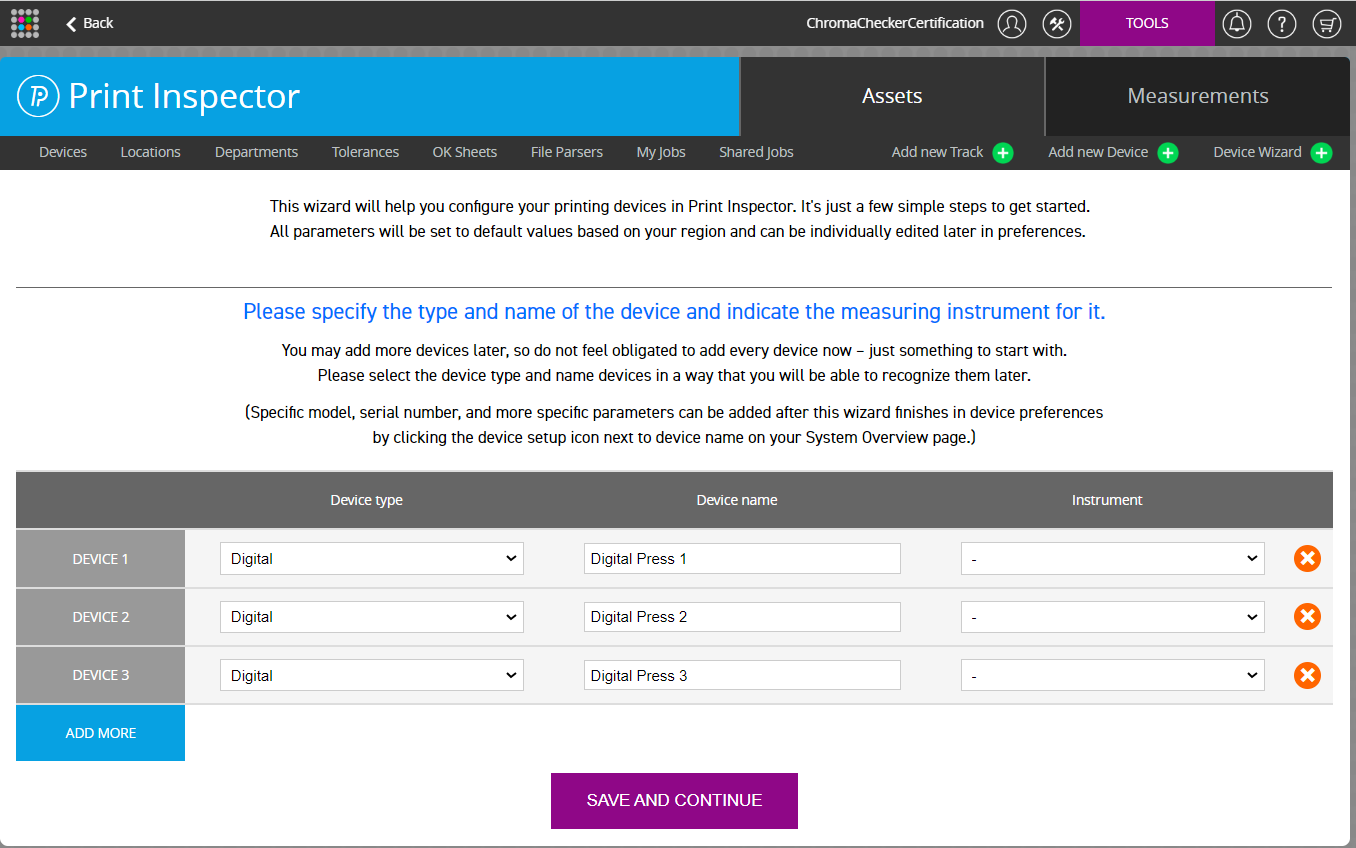

After continuing you are provided with a download link for the software recommended to use with the instrument(s) identified.

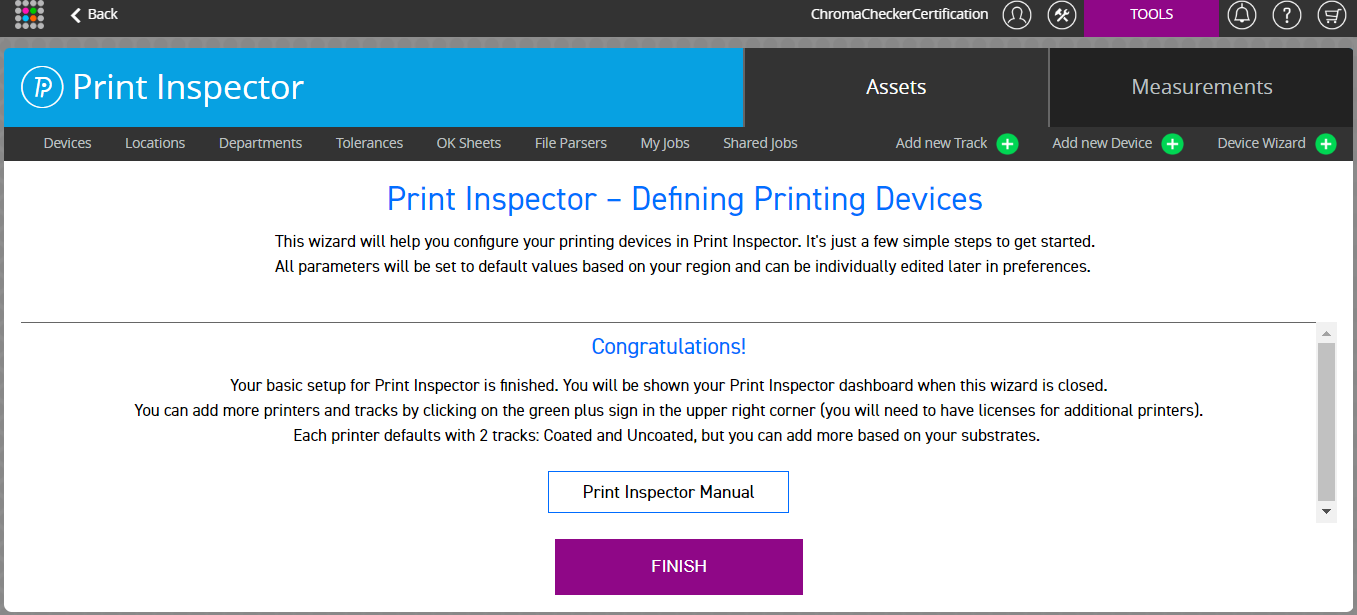

Select back to Welcome Screen

Contact ChromaChecker Support
Additional information and Support Form is available for logged users.
