Intro »
Certification Overview »
Certification Requirements »
Getting Started - Spot Matching and Color Process Control G7 »
Project Inspector - Deploying the ChromaChecker Certification Project
January 24, 2024
Project Inspector - Deploying the ChromaChecker Certification Project
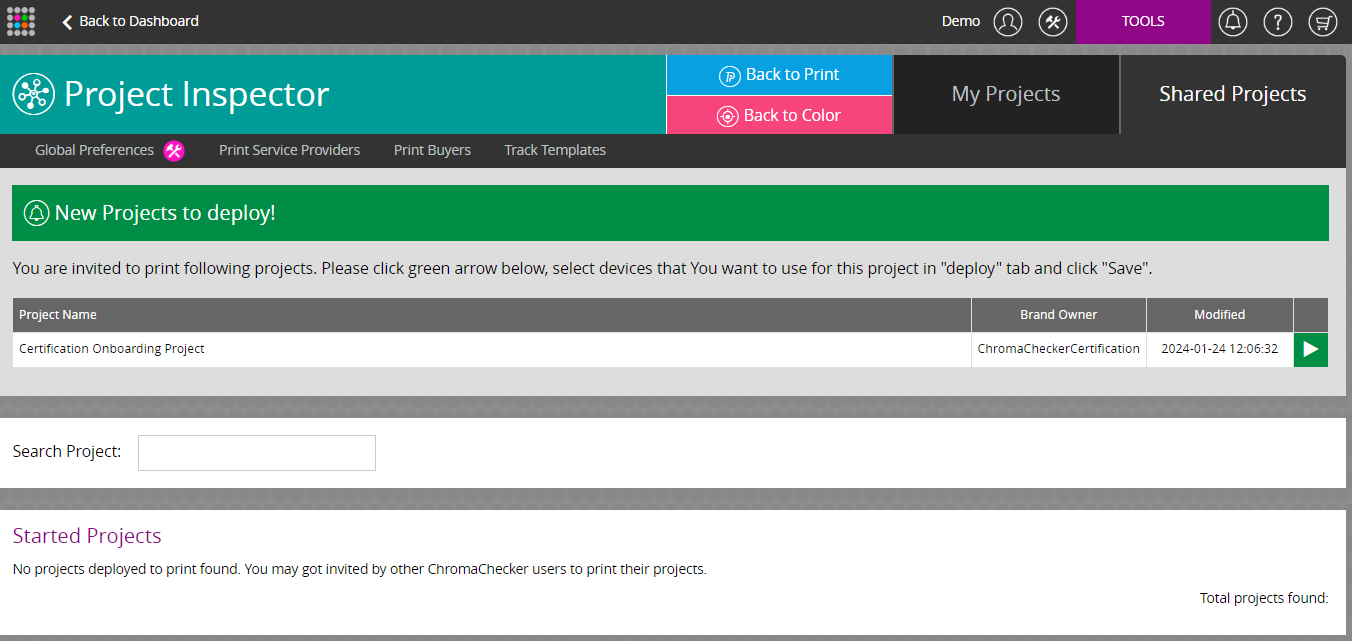
Go to Project Inspector/Shared Projects and select the Green Play button to activate the project.
Check off the printing devices to create the Print Inspector tracks for the selected printing devices.

Project Inspector tracks are identified with a sharing icon as with the Certification Onboarding Track.

Contact ChromaChecker Support
Additional information and Support Form is available for logged users.
