X-Rite eXact connection issues
General guidelines.
- If you are using eXact with a PC eXact driver has to be installed before connecting the instrument.
If you have a problem with detecting eXact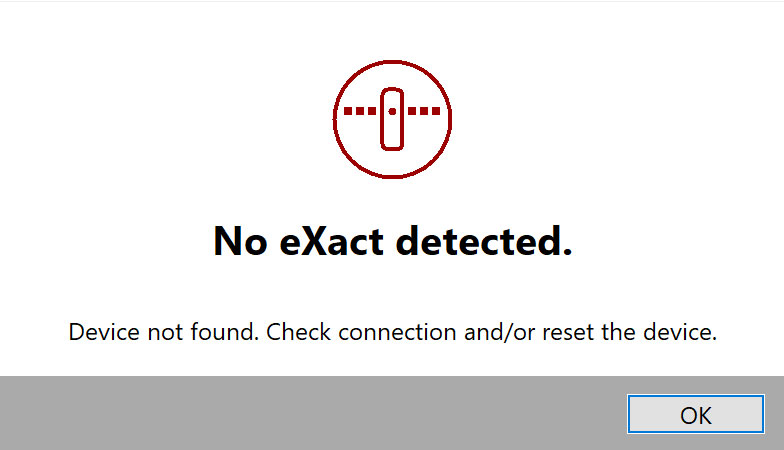
Go to Device Manager and make sure that the instrument is properly recognized
If your eXact is properly installed you should be able to list it in the Windows Device Manager if not a driver installation has to be performed. The best way is to install eXact Manager.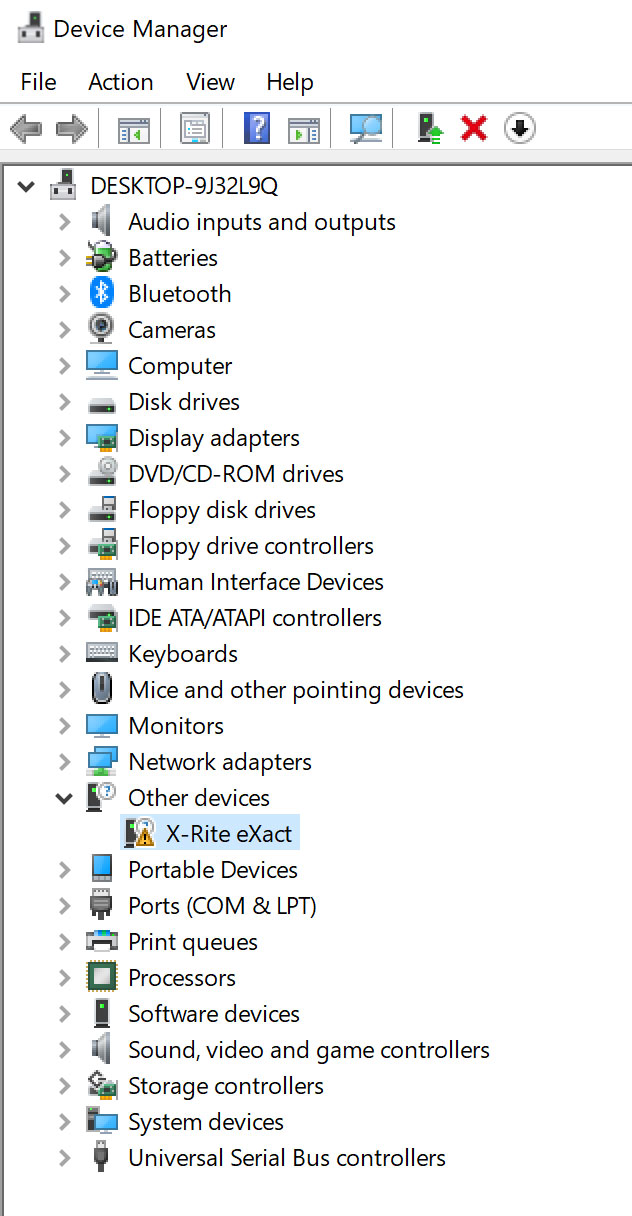
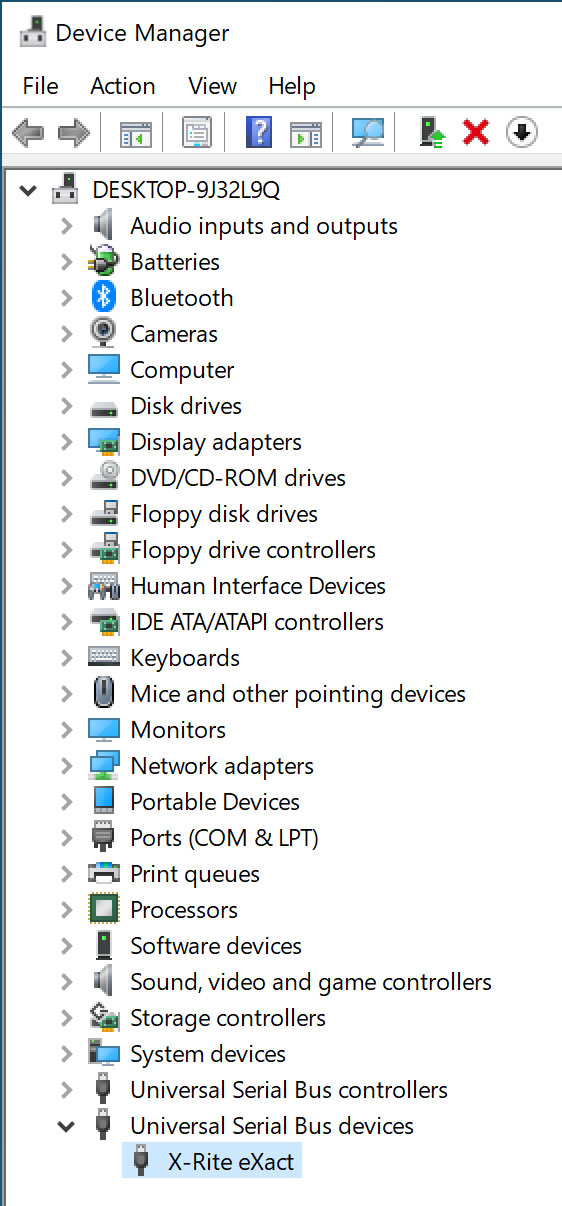
Device Manager: Before and after driver installation. - We recommend installing the most recent version of eXact Manager that will install this driver and give the user access to the instrument utility (firmware upgrades, backups, diagnostics).
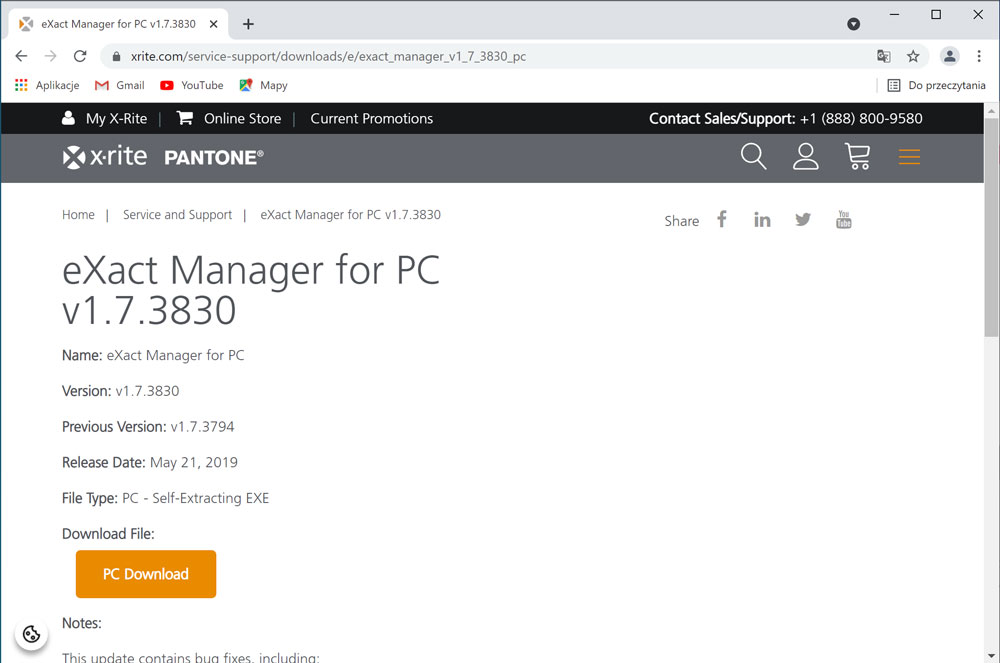
Visit the X-Rite website to download the most recent version of eXact Manager - It is recommended to check the current firmware and upgrade it to the most recent version.
Important note.
Older eXacts may require to be sent for recertification to the factory. Some updates (e.g. M1-Part2 Export option) can be activated in the factory only.
Firmware
It is important to use the most recent version of Instrument firmware. Some problems (e.g. calibration issues) were fixed and only the new version of firmware can solve them.
Firmware can be upgraded using Xrite Exact Manager, but in some situations, the dedicated Xrite application is the only working solution:
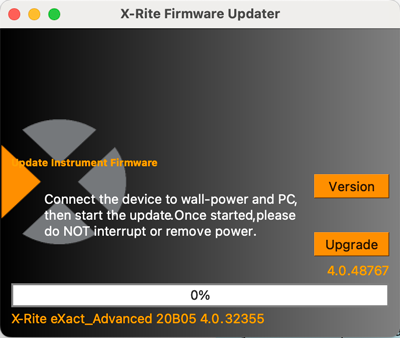
X-Rite Firmware Updater (Mac and PC) version can be downloaded from the xrite.com site. ( search for eXaxt Firmware to get the latest version). ( November 2023 - version: 4.0.48767)
Important note:
It is critical for the instrument NOT to interrupt or remove power! When the update process is broken for any reason instrument can become not accessible and in such case the only solution is to send it to X-Rite for repair. The user decides to perform this operation at his own risk.
Related Topics
Contact ChromaChecker Support
Additional information and Support Form is available for logged users.
