X-Rite ICPlate2
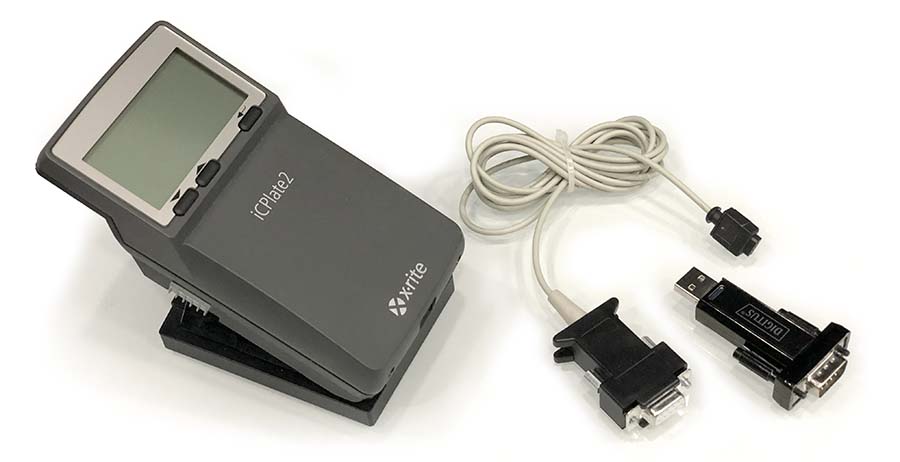
Technical requirements:
- ICPlate2 or ICPlate2 XL
- Serial cable
- Serial Port (RS-232) or USB/Serial converter – third-party solution required if your computer is not equipped with.
The iCPlate2 is equipped with an RS232 interface. To obtain access to the serial interface socket, remove the black cover on the rear of the measuring head. The serial interface is configured as follows in the factory: • Standard RS232 with TxD cable. All transition parameters are defined in the software.
Supported data:
The current version of CC Capture can transmit (depending on plate-reader model):
- Dot area (%)
- Screen ruling (lpi or L/cm)
- Dot diameter (mm)
- Screen angle (°)
- Visual coverage (D)
Additionally, Capture knows if plates are Negative or Positive,
and can see a difference in screening technology: AM and FM
Currently, CC Connect does not support Image and curves transfer
Connection Procedure
- Connect ICPlate2 to the computer - in most cases, supplemental USB/RS is required to be installed first. Both Mac or PC/Windows10 systems support the most popular converters without any additional drivers. If you need more help read a dedicated article on this topic.
- Launch CC Capture App, select ICPlate2 on the list, press Connect button -
- Select SerialPort/Converter used to connect your ICPlate2
- Check connection status - the instrument should return a serial number.
Be sure that the battery is charged and the instrument is not in sleep mode.
Measurements
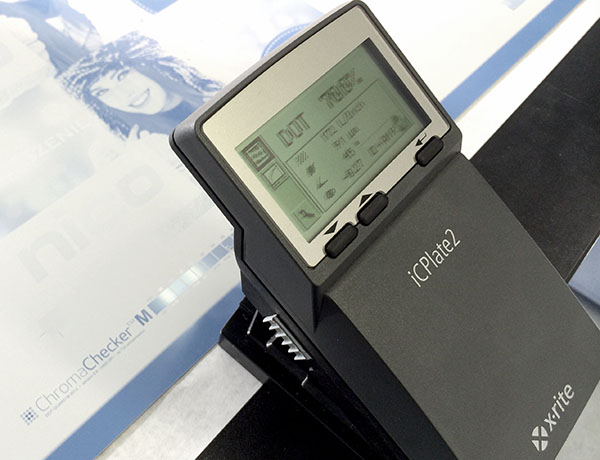
Measure in a traditional way with the serial cable connected. No additional action is required - all data are transmitted when complete. CC Capture will guide you - observe screen - CC Capture will guide you which patch is expected to be measured in the next step.
Caution
- The system will check screen angles and ruling, type o plates ( Pos. Neg.), and kind of screening technology. Be sure to define settings properly in Plate Inspector.
Knowledge Database
Video
-
The tutorial shows how to connect the xRite ICPlate to ChromaChcker Capture - Follow the instructions in Capture to create a baseline creation and providing a Quick Audit. 20, 40, 60, 80% and example Fast Verification.
Related Topics
Contact ChromaChecker Support
Additional information and Support Form is available for logged users.
