QuickStart — RHT-USB Sensor
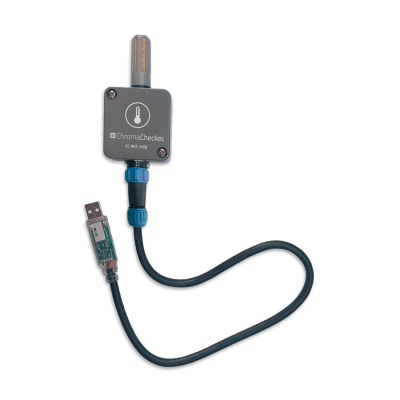
This tutorial is dedicated to the ChromaChecker users who have RHT-USB Sensor. There are two solutions that can be applied. Chose one depending on your needs.
- Download the selected application. If you are running an application for the first time follow the Initial Configuration How-to.
- Connect CC RHT-USB and launch the application.
| CC RHT USB | CC Capture | CC Uploader |
 |
 download |
|
| Sensor mode |  |
 |
| Datalogger mode | |
|
| Initial Configuration | How-to | How-to |
| step | CC Capture | CC Uploader |
|
The Application is Launched.
The sensor is not configured yet. Temperature and Humidity values are available |
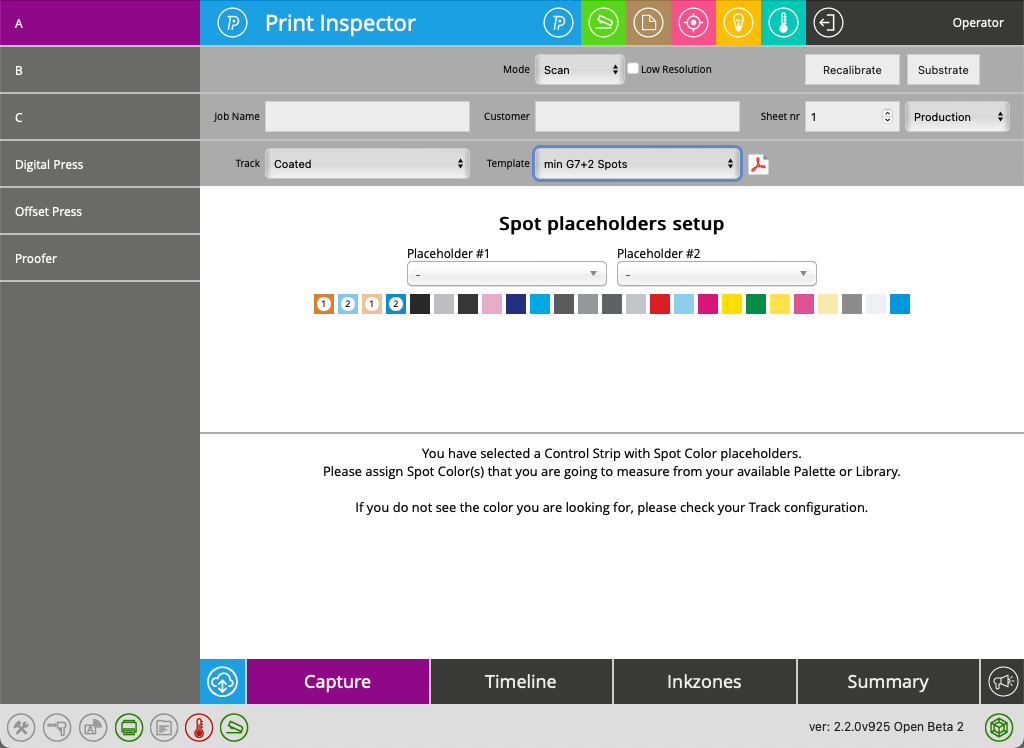 |
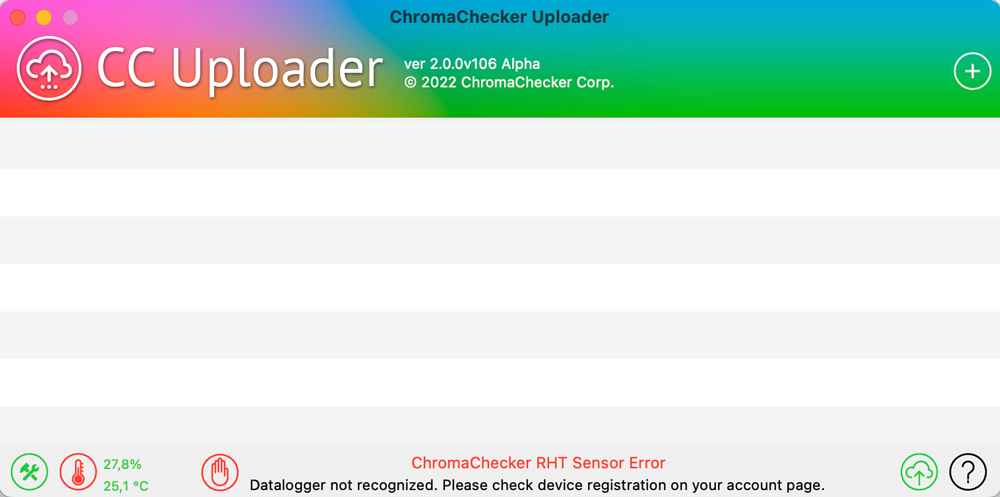
Application is reporting Sensor Error - Datalogger not recognized! |
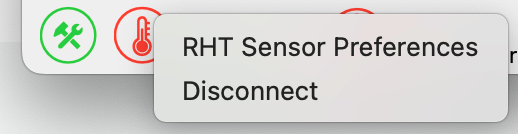
| Right-click on the RHT icon, select Preferences | 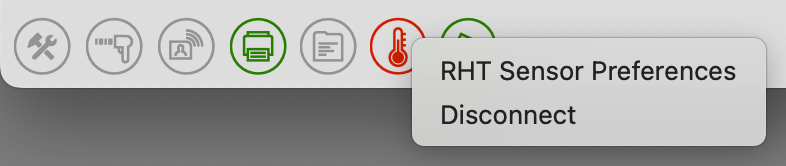 |
 |
|
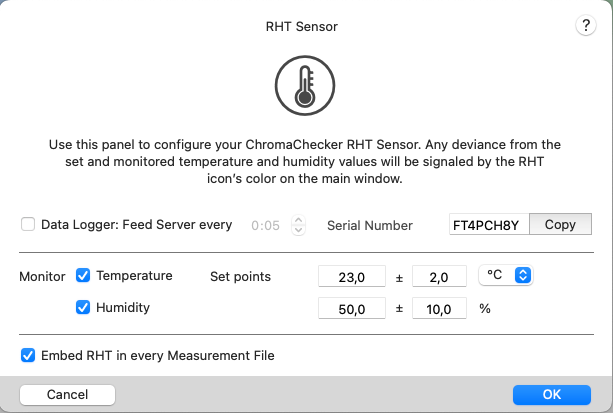
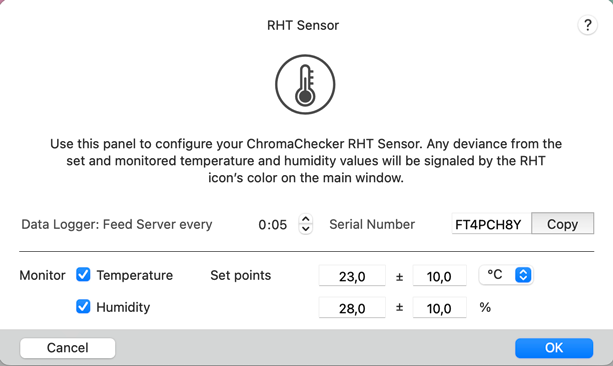
Preferences.
|
By default Sensor mode (Enabled RHT in every Measurement File ) is on, |
|
Datalogger registration
- Login to the ChromaChecker account as an Expert, next go to Environmental Inspector.
- Add new Datalogger - name it, select type, and paste Serial Number
- Assign Datalogger to one or more Printers
Once a serial number is registered the system can recognize incoming data. It may take up to a few minutes for the first measurement to be accepted.
Contact ChromaChecker Support
Additional information and Support Form is available for logged users.
